
j5v7c (j5v7c) asked a question.
Is anyone else getting this weird error when trying to import via CSV?
For some strange reason, when I try to import from a CSV on my Chromebook Okta's UI gives me this error: 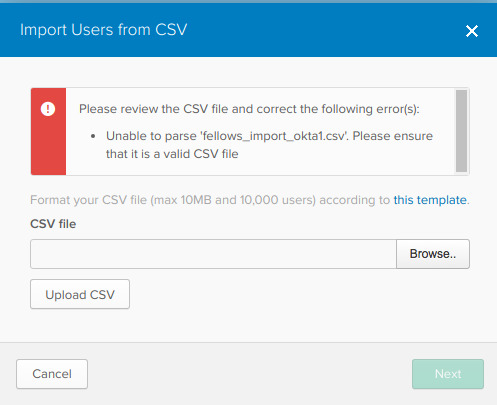 When I use a mac or PC the file validates. Does anyone know how to work around this? Our company uses Chrome OS and Linux and we'd like to not have to dust off our macs for this one freakin' task.

