Send an Email with an Image in Workflows
Last Updated:
Okta Classic Engine
Okta Identity Engine
Workflows
OVERVIEW
This KB will teach you to send an email with an image in Okta Workflows.
SOLUTION
The following flow shows sending an email with an image using the Gmail – Send Email card:
 Send an email with an image.
The flow has the following steps.
Create the message
The Text – Compose card creates an HTML message with an image. The message embeds the image using the HTML <img src/> tag.
Send the message
The Gmail – Send Message card sends the email. Configure the Send Message card to send an HTML message in options:
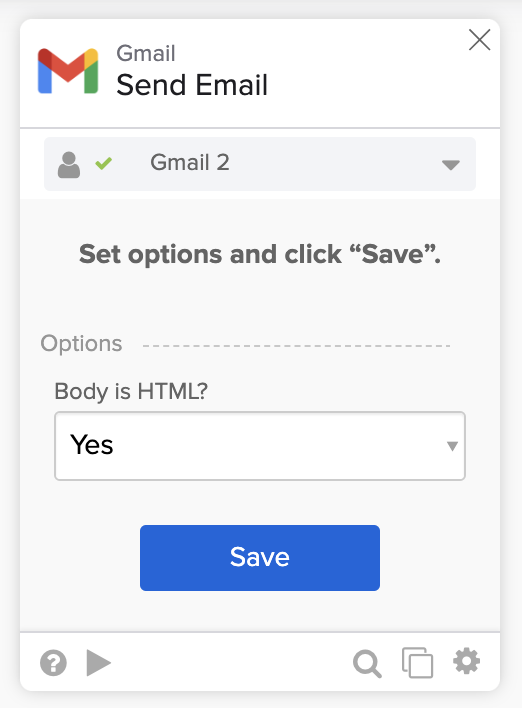
Send an HTML message.
Email with an image
The flow will send the following email:
 Email with an image.
You can also set the image URL from another card:
 Setting image URL from another card.
RELATED REFERENCES
- How to Export Group Membership to a CSV File and Email the File in Workflows .
- How to Send an Email With an Attachment from Workflows .
- How to Send HTML Email with Gmail and Office 365 Email in Workflows .

