Okta Identity Engine - Last Used Factor
Oct 13, 2025
Multi-Factor Authentication
Okta Identity Engine
Overview
The functionality of the "Remember Last Used Factor" feature relies on a cookie known as the 'luf' (last used factor) cookie. This is how the sequence alters depending on whether the browser is in regular mode or incognito (private) mode.
Applies To
- Okta Identity Engine (OIE)
- Multi-Factor Authentication (MFA)
Cause
Login flow changes when the browser is in regular mode versus incognito (private).
Solution
- Regular browser mode.
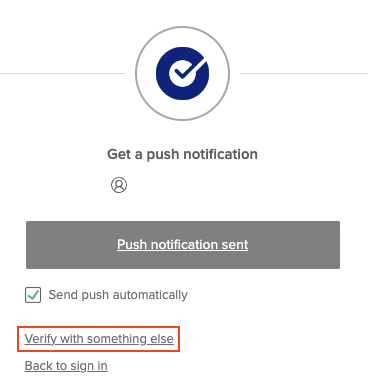
User logs in for the first time, sees the MFA prompt, and picks one option (for example, Okta Verify). The next time they log in, the only factor they get prompted with is Okta Verify, unless they hit the Verify with Something else option.
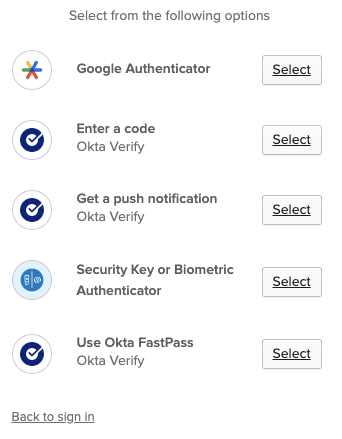
- Incognito browser mode or the luf cookie is not present.
All the available factors will be displayed every time the user creates a new Private (Incognito) session on the browser or if the luf cookie is missing.
NOTE: The "luf" cookie expiry is 30 days. This value cannot be changed.

