Custom Report to Display All Application IDs and Users Assigned to a Group Using the API
Last Updated:
Administration
Okta Classic Engine
Okta Identity Engine
Lifecycle Management
Overview
This article explains how to use an API call in Postman to obtain information about all groups, including the user count, application count, and assigned application IDs.
Applies To
- API Call
- Custom Reports
- Postman
Solution
-
Configure Postman with Okta by reviewing the article How to Integrate Postman with Okta.
-
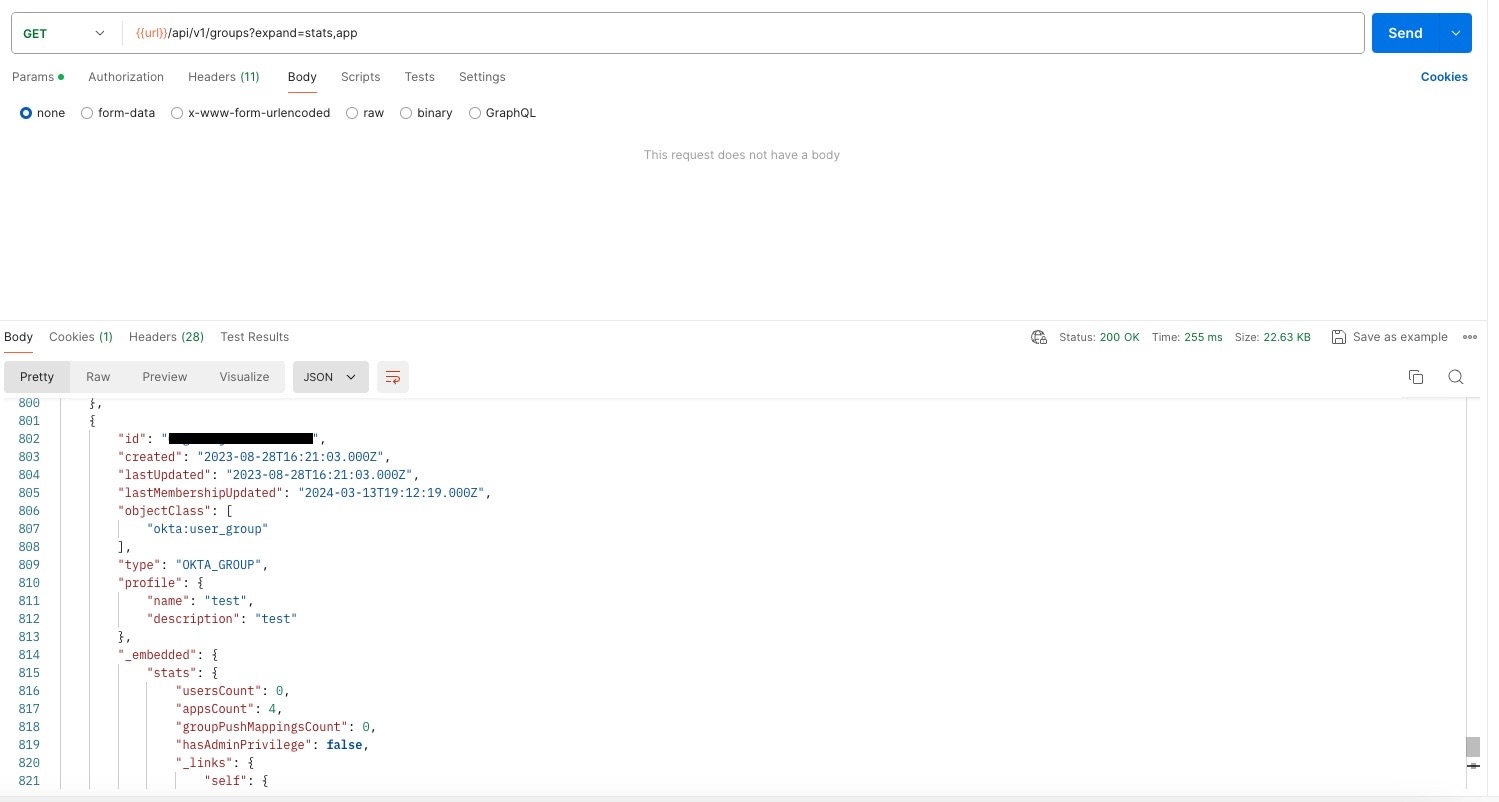
Run the following call in Postman:
GET {{url}}/api/v1/groups?expand=stats,app
-
Review the details in the usersCount and appsCount fields to obtain the user count and application count information.
-
Perform a GET on the value in the apps field to show all applications assigned to the group.
- For example, run the following call to display all applications assigned to the group:
GET {{url}}/api/v1/groups/<GROUP_ID>/apps

