How to Use Personal Identity Verification (PIV) Credentials to Enable Passwordless Authentication
Last Updated:
Overview
This article will show the show and end-user behavior when using the Smart Card/PIV.
Applies To
- Personal Identity Verification (PIV)
- Multi-factor Authentication (MFA)
- Okta Classic Engine
Solution
Federal Information Processing Standard (FIPS) is the standard for a personal identity verification (PIV) system and is based on the use of smart cards with an X.509 compliant certificate and key pair. That is a physical card containing a digital file that can only be accessed by the owner. It can be used to verify that the PIV credential was issued by an authorized entity, has not expired, has not been revoked, and that the holder of the credential is the same individual it was issued.
Similar cards and tokens leveraging the X.509 certificates for personal identification are widely used throughout the EU, Latin America, and Asia, all with good reason. Certificates stored on smart cards protected with a personal identification number (PIN) are regarded as one of the strongest MFA methods available and, in many cases, also one of the easiest for end users to use since they can replace username and password completely. For this reason, they have become the default standard for payment and ATM cards worldwide.
Challenges with PIV
However, independent software vendors (ISVs) have not widely adopted PIV authentication for their cloud applications, as they have found it cumbersome and difficult to implement securely. And legacy custom applications have not had access to any tools that would enable them to do so either. This has left end users forced to keep using a username and a password in conjunction with their more secure and modern PIV credentials.
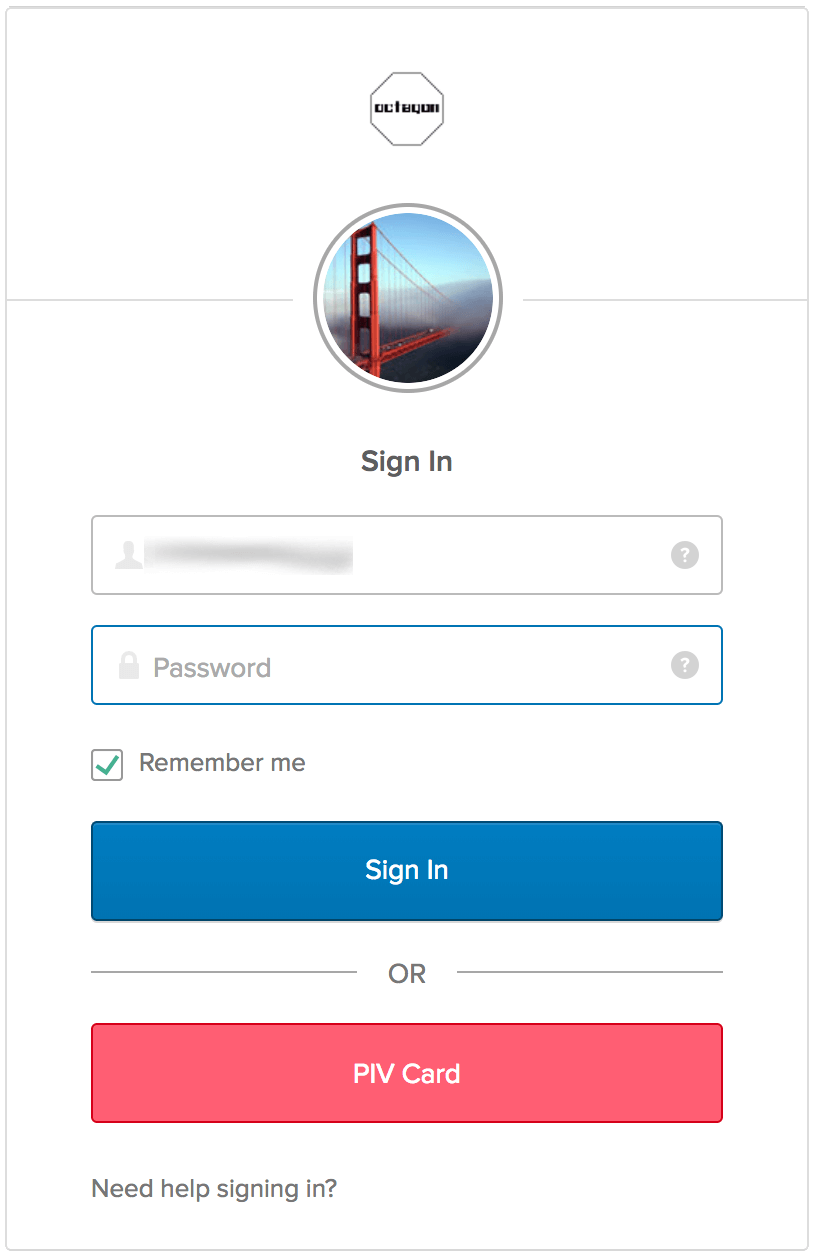
Okta now supports PIV Authentication, furthering the goal of connecting users to everything that matters securely and seamlessly. This update allows end users of federal customers to use their existing PIV cards to authenticate to any application integrated with Okta.
End User Experience
Once the organization has configured PIV authentication, all end users will see a button labeled “PIV Card” on the Okta login screen. When they click it, the browser prompts them for a certificate. They choose the certificate stored on their PIV card, enter their PIN, and they are in—no username or password required!
If the organization is using Okta to log in to an application like Office 356, accessing that application directly will redirect the user to the Okta authentication screen, where a PIV card can be used for the credentials.
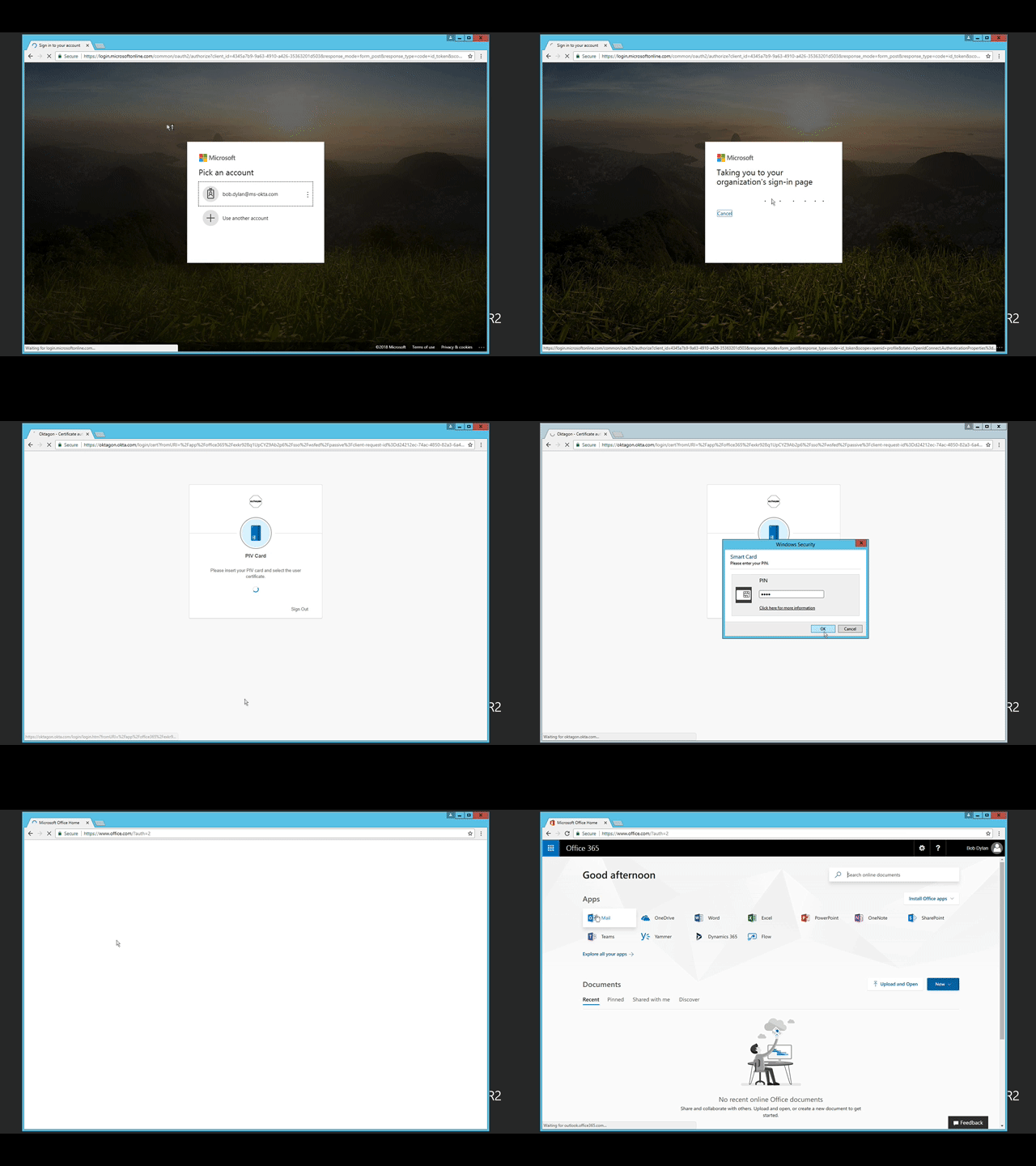
That means that a strong, secure PIV authentication can now be added to any app in the Okta Integration Network. This will help organizations raise their security level by finally getting rid of usernames and passwords. And even if the organization does not use PIV or CAC cards, this feature will make it easy to add support for cards or tokens, as long as they adhere to the X.509 standard.

